Dictionary Guidelines
Dictionary guidelines are essential for ensuring that lexical resources provide accurate, clear, and consistent information.
Introduction
Basic Search
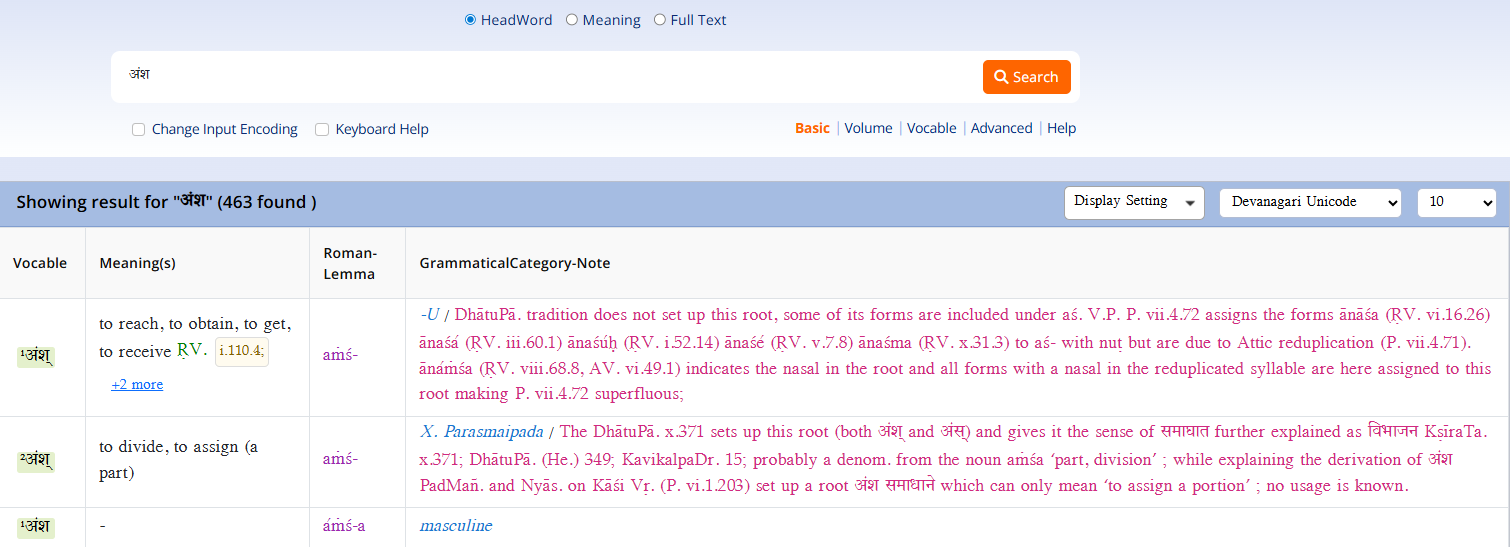
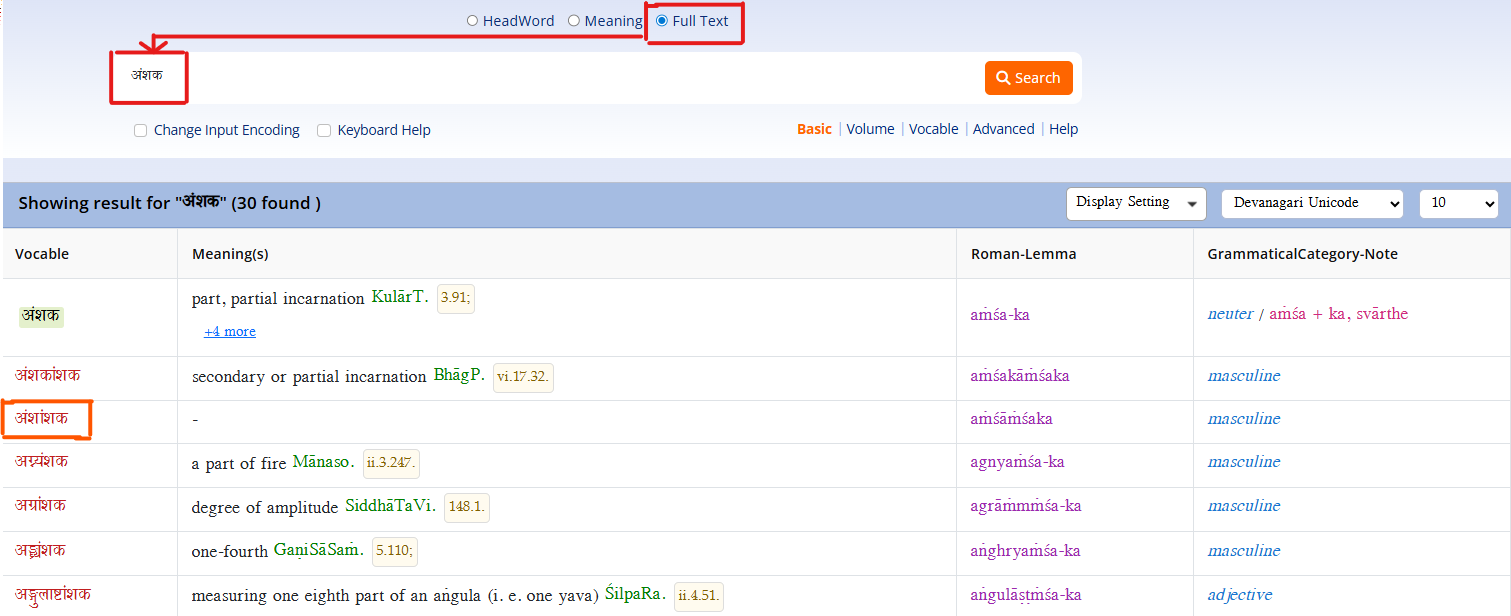
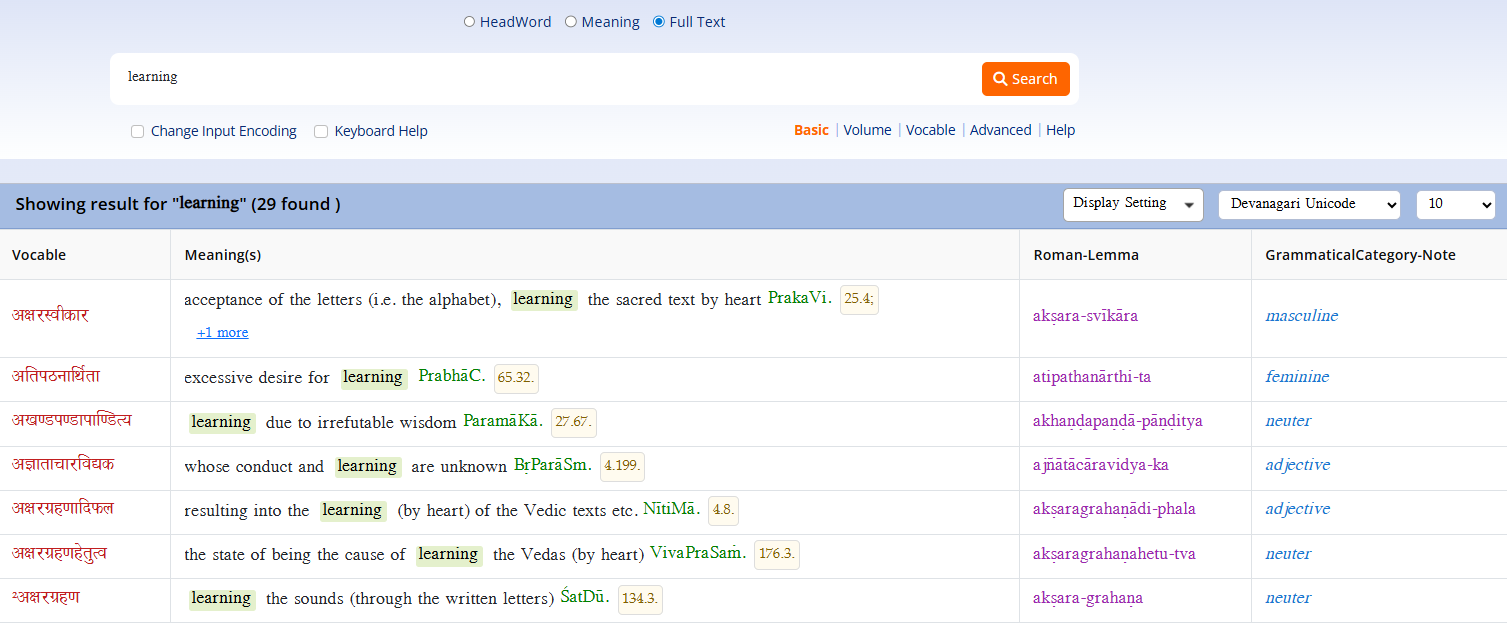
Basic search is a fundamental feature in many applications and websites that allows users to quickly locate information by entering keywords or phrases into a search field. This straightforward functionality typically returns a list of results that match or are relevant to the input query, making it easier for users to find specific content or data. There are three ways a user can search:
- HeadWord Search
- Meaning Search
- Full Text Search
Advanced Search
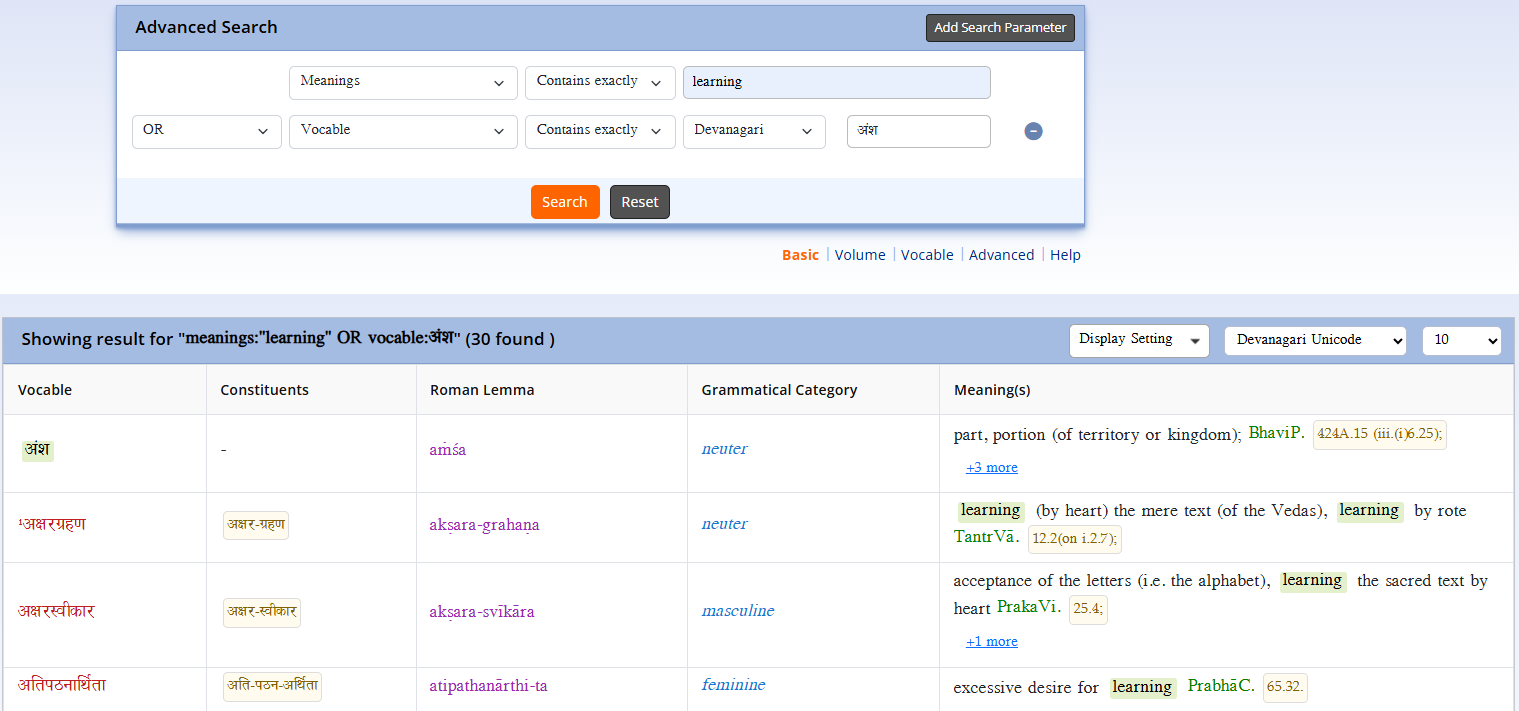
Advanced search is a powerful feature that allows users to perform more precise and refined searches within a database or application. Unlike basic search, which typically looks for keywords in a broad or predefined manner,advanced search enables users to customize their queries using various criteria and filters. Users can add multiple parameters for search, such as selecting specific search terms and query types from drop-down lists. For instance, when a user selects "vocable" as a search term, the output type is tailored accordingly to provide relevant results. This might include specifying fields to search in, such as titles, descriptions, or tags, and applying Boolean operators (AND, OR, NOT) to combine or exclude terms. Advanced search often offers options for sorting results by relevance, date, or other parameters, and may include features like wildcard characters, proximity searches, and date ranges. By providing these additional tools, advanced search helps users narrow down their results to find exactly what they need more efficiently and accurately.
Vocable Search
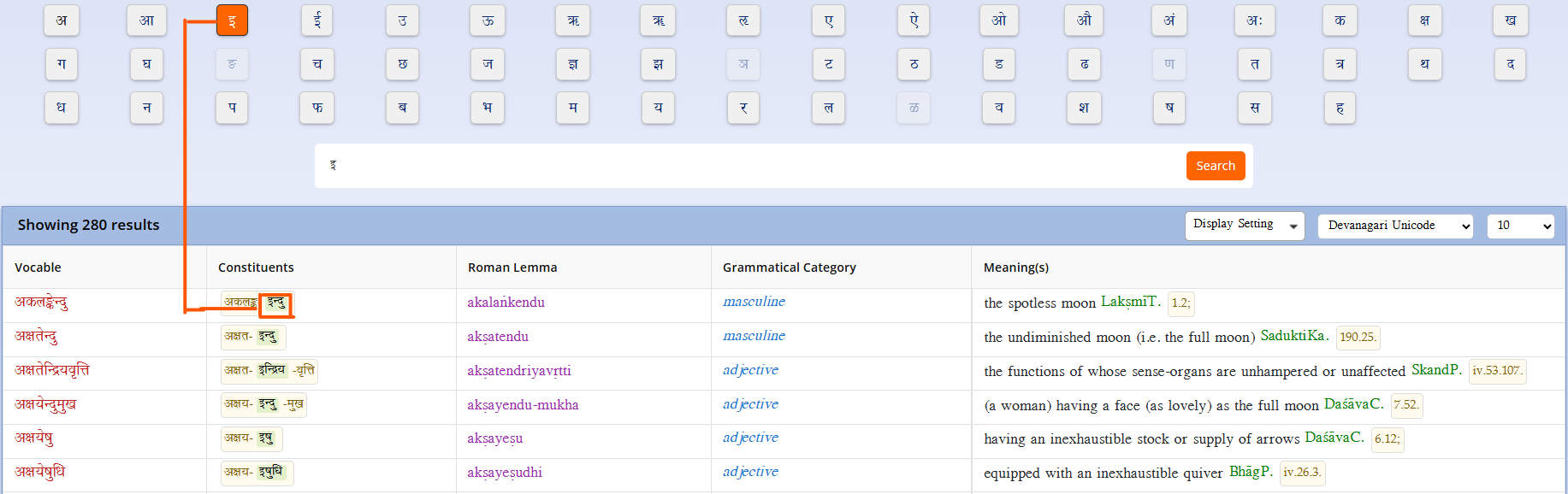
An alphabet catalogue is a systematic arrangement of items or entries based on the sequence of letters in the alphabet. This organizational method is commonly used in libraries, databases, and directories to facilitate easy and intuitive access to information. In an alphabet catalogue, entries are sorted alphabetically by key attributes such as author names, titles, or subjects, allowing users to quickly locate specific items. This module provides a list of vocables with descriptions and includes an alphabet catalogue that organizes these vocables alphabetically and systematically. The alphabet catalogue spans from “अ” to “ह,” with each letter being clickable. The results are displayed based on the selected alphabet by the user, making it easy to find and navigate through the vocable list. Each entry is usually accompanied by relevant details, such as Constituents, Roman Lemma, Grammatical Category, Meanings or additional identifiers, to aid in identification and retrieval. The alphabet catalogue's straightforward, orderly structure simplifies the search process and enhances user efficiency, making it an essential tool for managing and navigating large collections of information.
Volume Search
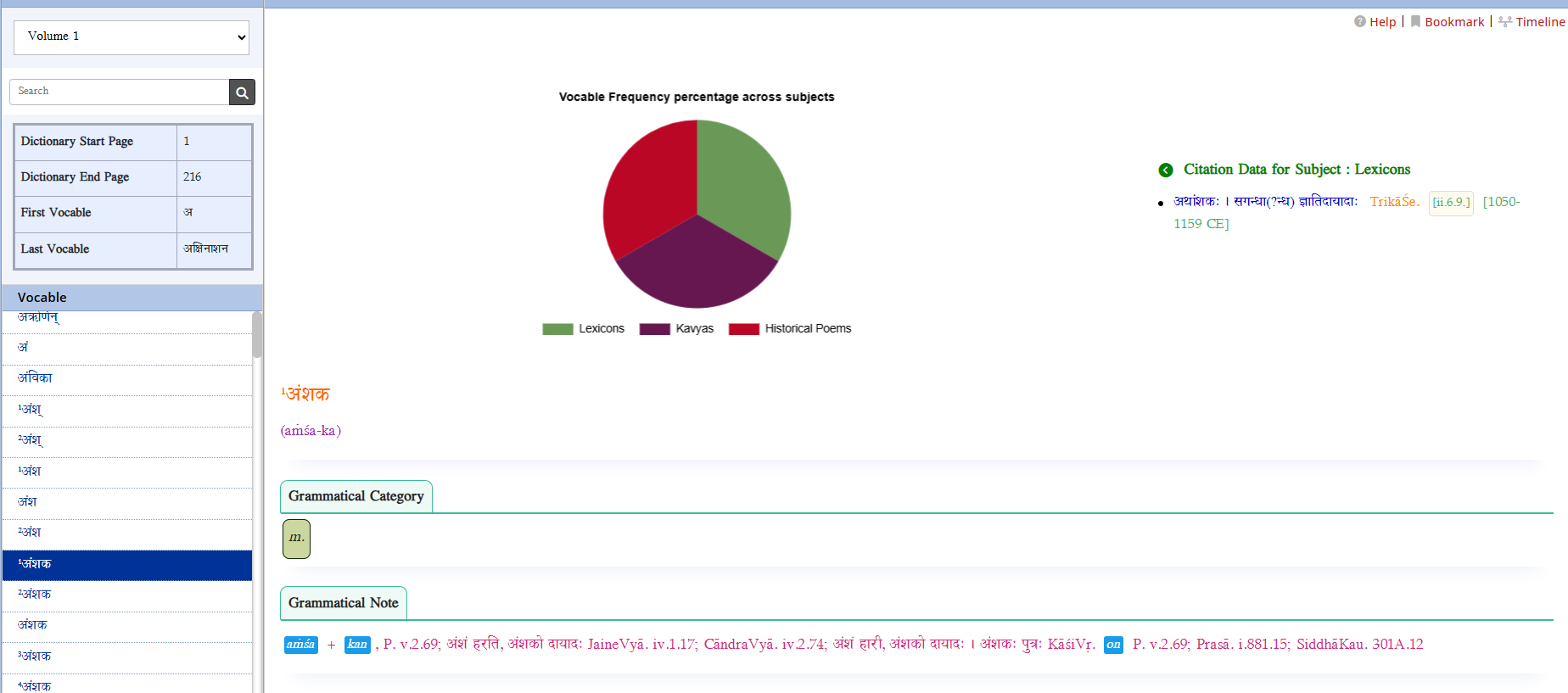
This module provides a list of vocables along with descriptions for all the listed volumes. It includes details about each volume such as the dictionary’s start and end pages, as well as the first and last vocable. It also displays the frequency of each vocable across different subjects, showing how many times a particular vocable has occurred in each subject. Additionally, a preview of the selected article is shown, containing the complete details of the chosen vocable.
Transliteration
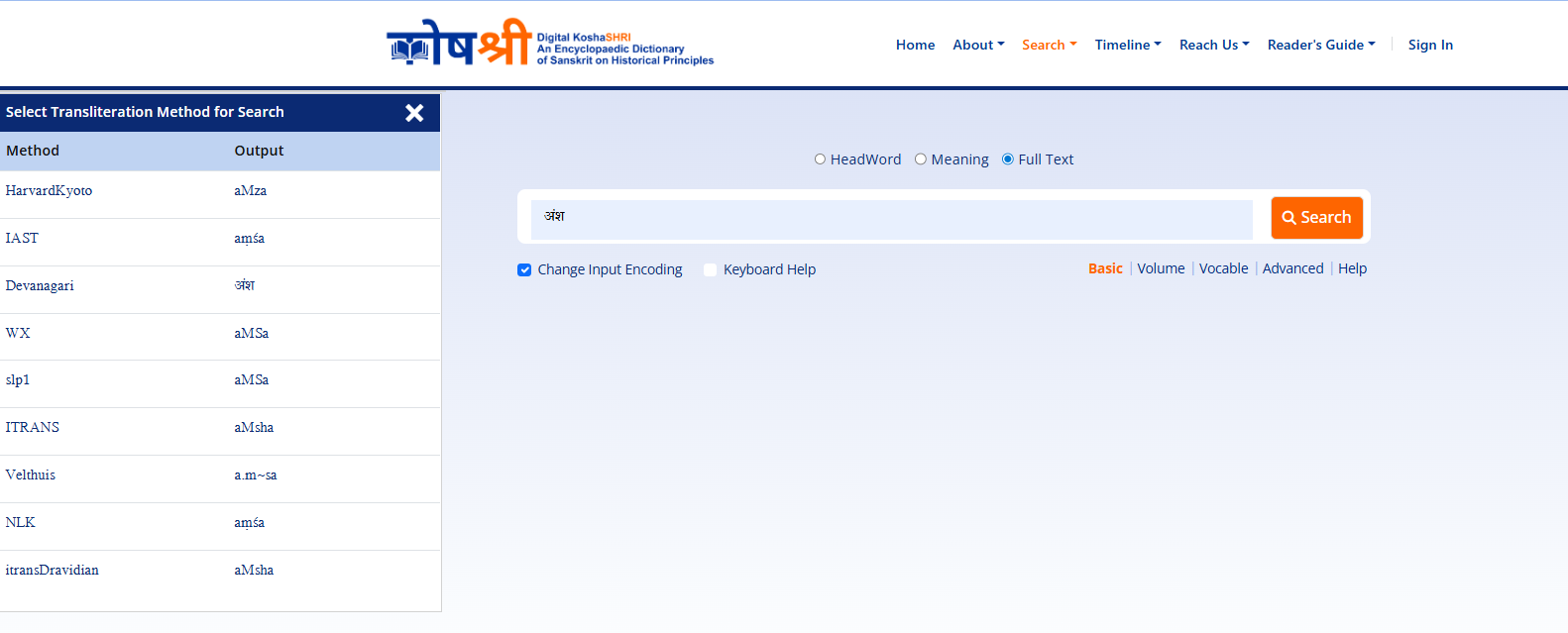
Transliteration is the process of converting text from one writing system into another, while keeping the original pronunciation as closely as possible. This functionality will provide seven types of transliterations for the given input word. When the user clicks the "Show Input Methods" box, the available transliteration options for the given input will be displayed. Following are the Transliteration types:
- Devanagari Unicode
- Harvard Unicode
- Roman Unicode
- Itrans Unicode
- Dravidian Unicode
- Slp1 Unicode
- Nlk Unicode
- Velthuis Unicode
- Wx Unicode
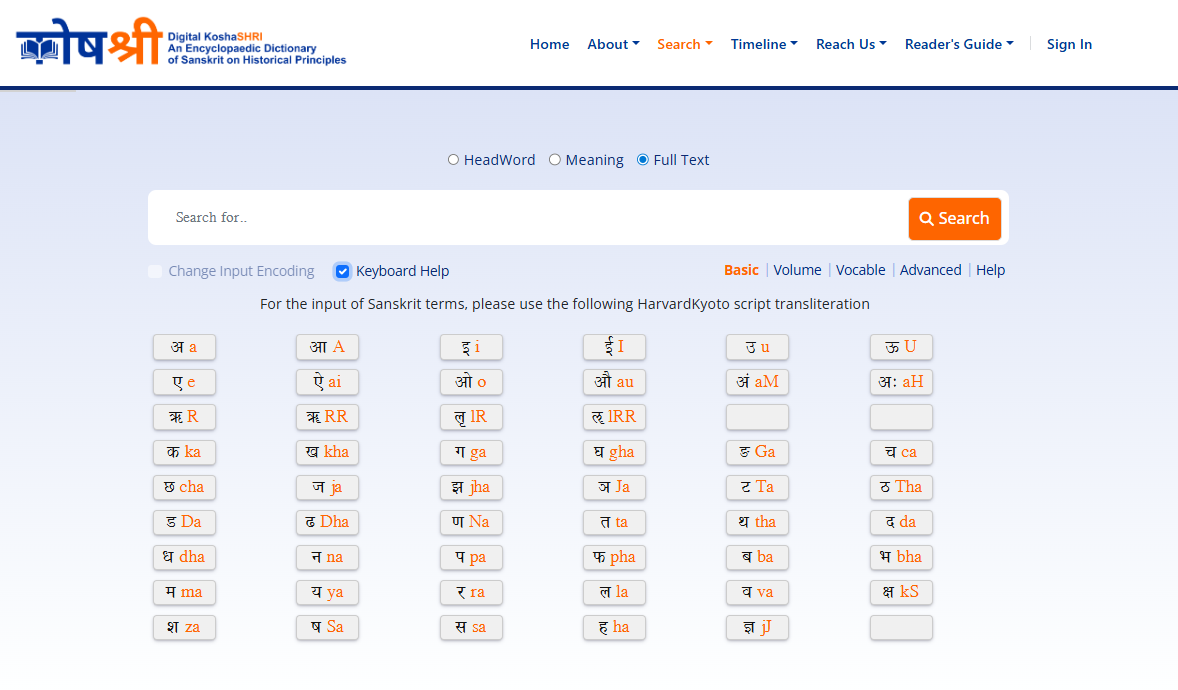
Keyboard Help
Keyboard help is a feature designed to assist users in efficiently typing in various scripts or languages that may not be readily available on their standard keyboards. When activated, such as by clicking on a "Show Keyboard Help" box, it typically provides a visual guide or overlay that maps keyboard keys to the corresponding characters or symbols in the target script. For instance, if a user needs to type using Harvard-Kyoto script for transliteration, keyboard help will display the necessary key mappings and instructions, making it easier for users to input text accurately. When user clicks any of script transliteration then its English alphabet will be reflected in input box. This feature enhances user experience by simplifying the process of typing in less familiar or complex writing systems, ensuring smooth and effective communication across different languages and scripts.
Historical Timeline
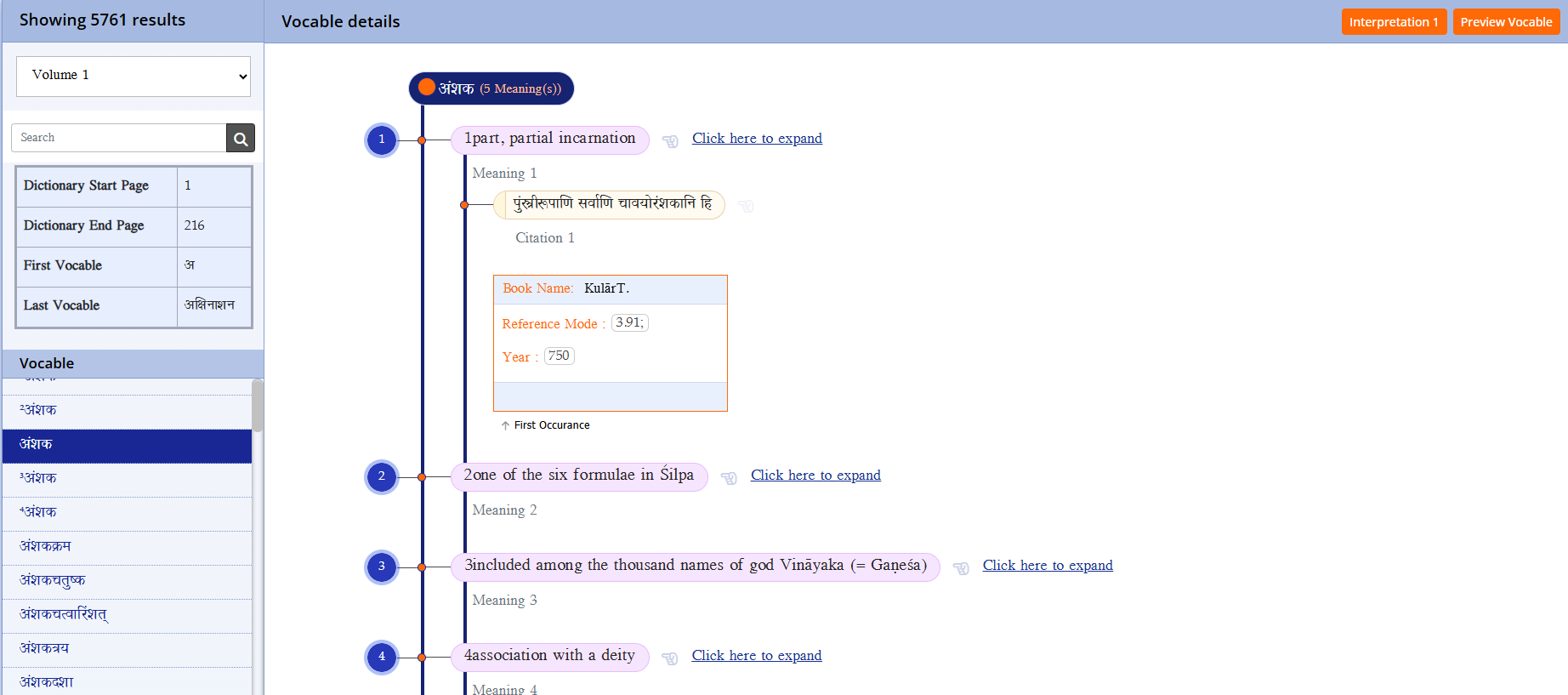
When landing on the historical timeline page, users can access various details including: Vocable List Volume-wise: A list of vocables categorized by volume, allowing users to explore entries according to specific volumes of the dictionary. Volume Description: Descriptions of each volume, including details such as the dictionaries start page, end page, first vocable, and last vocable. Vocable Details: Information about individual vocables, such as their meanings, citations, reference books, reference modes, year, author. In a hierarchical order, the information about individual vocables, including their meanings, citations, book name, reference mode, year, and author, would be organized as follows:
- Vocable
- Meanings
- Citations
- Book Name
- Reference Mode
- Year
- Author